Add your promotional text...
Why Google Virtual Tours Help Businesses Get More Customers in 2025
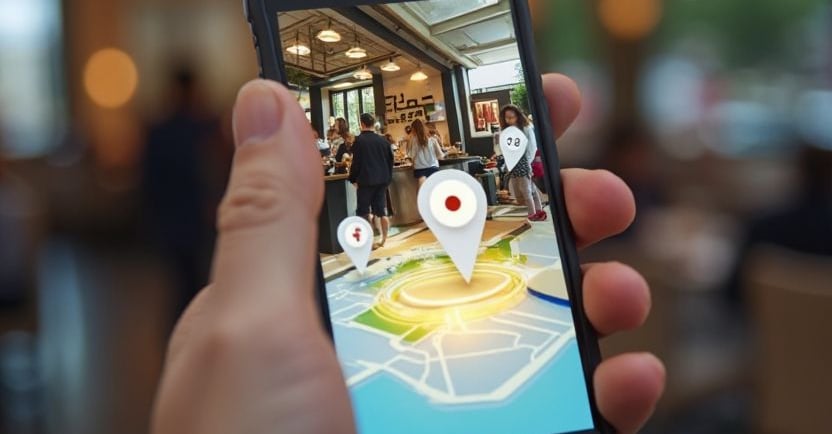
A Google Virtual Tour is an interactive 360° view of your business location. It’s just like Google Street View, but inside your business premises. When people search for you on Google, they can walk through your business virtually — anytime, anywhere.
GOOGLE 360 TOUR
Viral Gala
9/17/20252 min read
The Stitching Vault: Essential Resources & Pro Tips
To ensure your post-production workflow is flawless and optimized for professional results, here are the official tools, tutorials, and community insights that reinforce your steps:
⚙️ Official Tools & Data Management (Step 1 & 2)
Insta360 Stitcher & Studio Download: The official software suite for combining your six lens feeds. Always check this page for the latest updates and bug fixes.
(Source: Insta360 Official Download Page - Pro/Titan Series)
Understanding the Pro 2 File Structure: The Pro 2 distributes footage across six MicroSD cards and one main SD card. Knowing which files are the high-res clips, proxies, and gyro data is crucial for proper import.
(Source: Insta360 Pro 2 Official Online Manual - Importing Files)
💻 Loading & Fine-Tuning Workflow (Step 3 & 4)
The Power of Optical Flow: Your recommendation to use Optical Flow for the best blend is key. This mode utilizes advanced computing to analyze movement between the frames for a smoother stitch than template-based methods.
(Source: Insta360 Pro 2 Official Online Manual - Stitching Settings - See section 2.3.1 for details on Optical Flow vs. New Optical Flow.)
Official Stitching Tutorial Video: Seeing the software in action helps visualize the process of adjusting the reference frame and the horizon line.
(Source: YouTube - Insta360 Pro 2 Tutorial – Stitching 360 Videos in Stitcher)
✨ Pro Tips: Community Wisdom (Lessons from the Field)
PC vs. Mac & ProRes Workflow: Professional users often discuss the high demands of 8K stitching. Many creators use a powerful PC for the stitch, then switch to a different machine for the final edit. The debate over the fastest and most efficient hardware is ongoing.
(Source: Reddit - r/Insta360: Editing Insta360 Pro 2 Footage - PC vs. Mac Workflow)
Optimizing the Workflow: For complex and long videos, the community often recommends doing initial cuts and reframing using the proxy files and the Premiere Pro plugin before committing to a final, time-consuming 8K stitch.
(Source: Reddit - r/Insta360: What is the best workflow for editing longer movies)
The Nadir Patch Technique: For truly professional results, hiding the tripod requires more than a simple stamp; it often involves creating a "clean plate" and blending it, a concept discussed in advanced tutorials.
(Source: Insta360 Pro 2 Official Online Manual - Stitching Timelapses in Stitcher - This section shows advanced use of the Stitcher software integrated with Premiere.)
This version of your guide now provides your readers with direct links to every referenced resource, ensuring they can easily follow your expert advice.
What topic should we focus on next in your content series? The next logical step is a guide on delivering and hosting the final 360° content.

Experience
Engaging virtual tours for real estate and events.
Innovative
info@360vrphotography.in
+91 9920322366